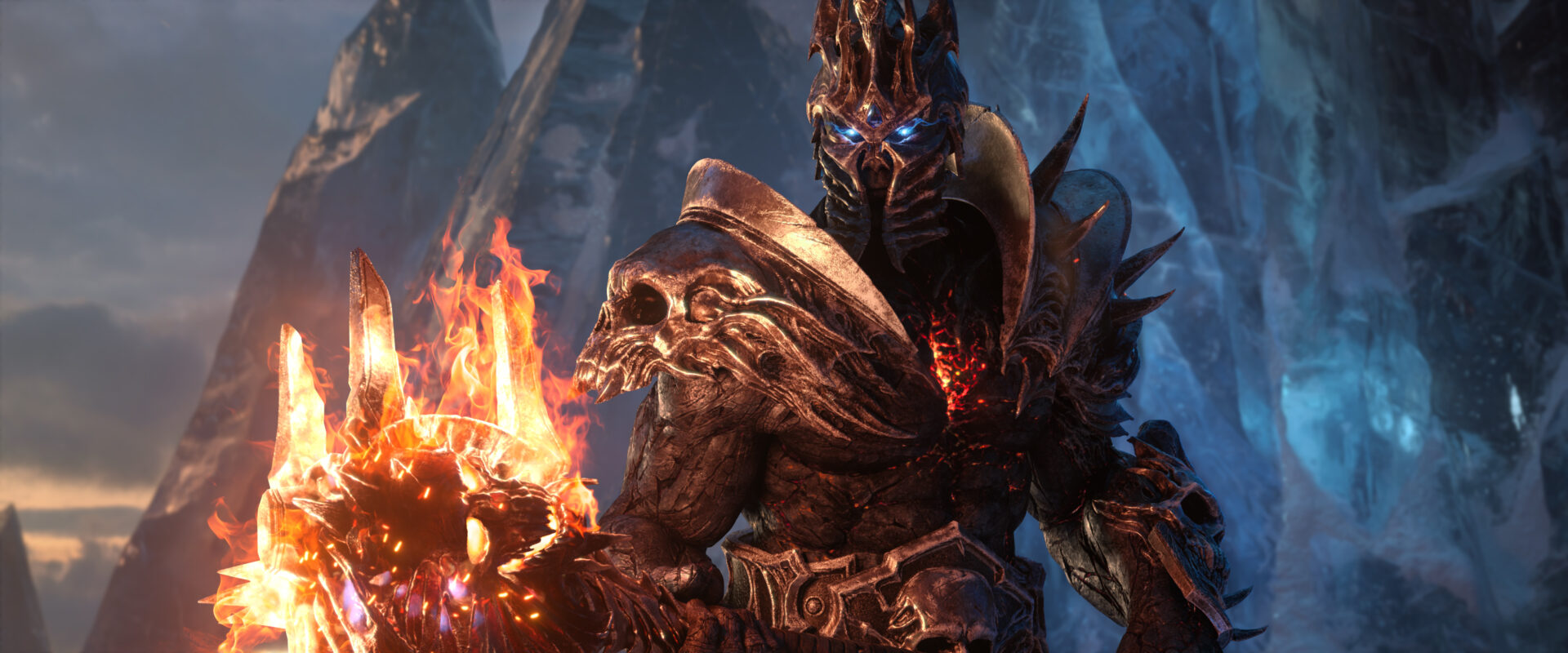
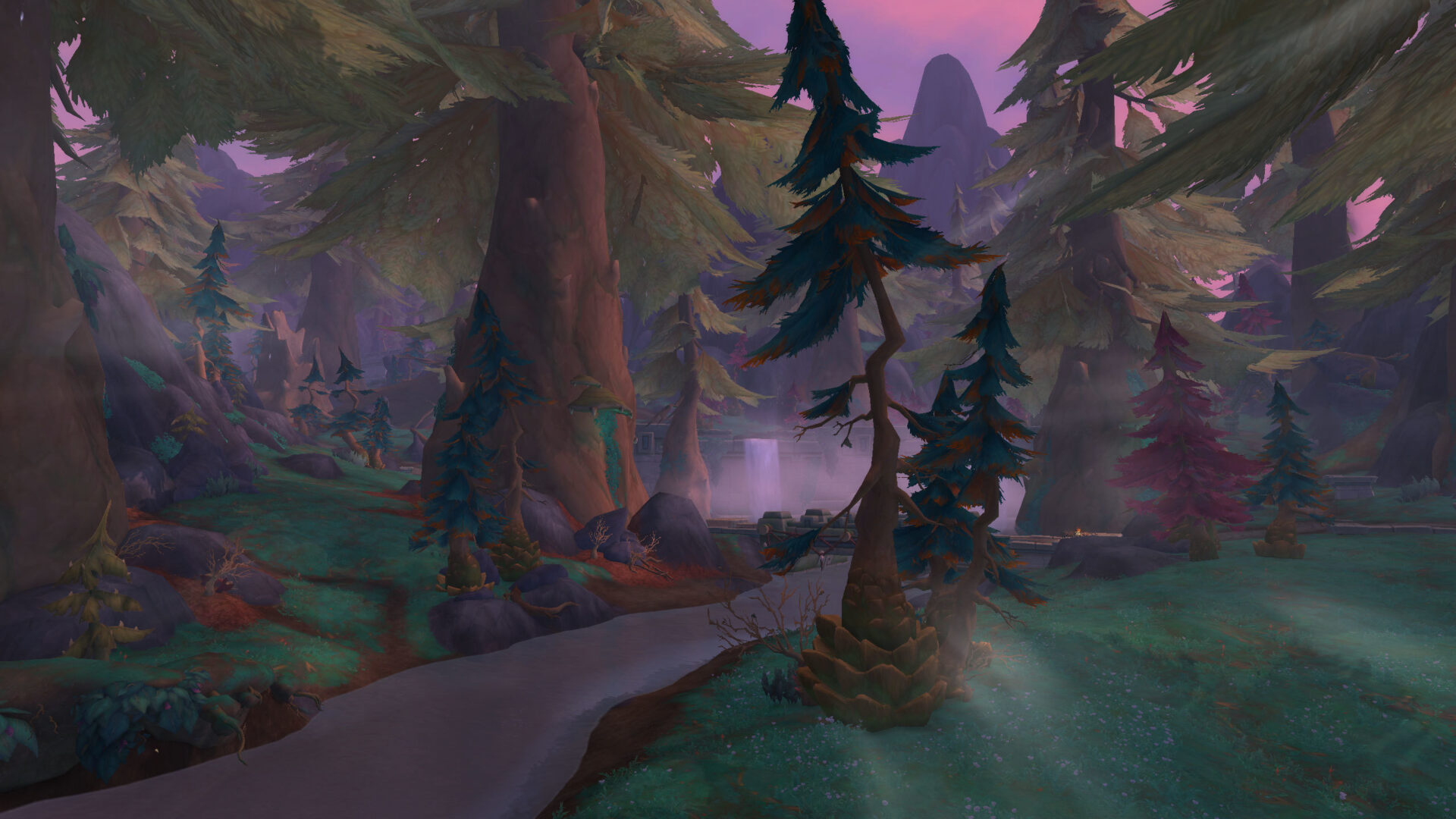
World of Warcraft is filled with breathtaking vistas and epic moments, but our screens are often cluttered with health bars, chat boxes, and maps. This visual noise can ruin a perfect memory or a great video. Clean screenshots and cinematic clips a guide to making wow look like a film is about removing the clutter to see the artistry of the world. By mastering a few simple commands, you can transform your screen into a beautiful window that captures the true essence of Azeroth.
When you remove the interface, you start to notice the lighting, the weather effects, and the small details that the artists worked so hard to create. You can turn a simple quest turn-in into a dramatic cinematic moment. This guide will show you how to hide your UI, use the camera effectively, and capture high-quality images that look professional. Whether you want to share your adventures on social media or just keep a personal album, these tips will elevate your visual journey.
The Magic of the Alt-Z Key
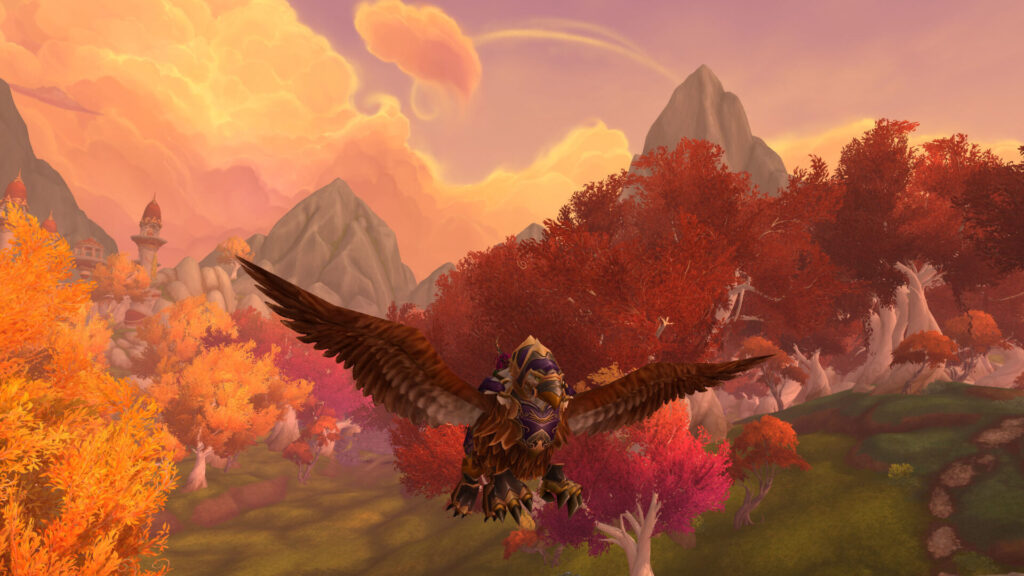
The most important tool for any cinematic capture is the shortcut that hides your user interface. By pressing alt and z at the same time, you instantly remove every button, bar, and map from your screen. This allows you to see the world as a pure image. It is the first step in turning a game into a movie. You can move, fight, and fly in this mode to find the perfect angle for your next shot.
Practice moving with the interface hidden to get a feel for the action camera. You might find that the game feels more immersive and dangerous when you can’t see your health bar. This mode is perfect for taking wide landscape shots or close-up portraits of your character. Always remember to press the shortcut again when you need to use your abilities or talk to an npc. It is a simple switch that changes everything about how you see the world.
The Cinematic Capture Matrix
| Technique | The Command | The Visual Effect | Best Use |
|---|---|---|---|
| Hide Interface | Alt + Z | Removes all bars, chat, and maps for a clean view. | Every screenshot and video clip. |
| Action Camera | /console ActionCam on | Places the camera over your shoulder for a dynamic look. | Walking through cities or combat clips. |
| Maximize Graphics | System Settings | Increases shadow quality and view distance. | Wide landscape shots of new zones. |
| First Person View | Zoom in fully | Removes your character to show the world through your eyes. | Capturing scenery without your character in the way. |
| Emote Acting | /kneel, /salute, /roar | Adds life and personality to your character. | Portraits and story-driven screenshots. |
Using the Environment for Better Lighting
Lighting is the secret to a great film, and Azeroth has many different lighting conditions. The golden hour just before sunset in zones like Nagrand or Westfall provides a soft, warm glow that makes characters look heroic. Conversely, the harsh, green light of a fel-scarred land can create a sense of dread. Pay attention to the position of the sun or moon and try to face toward the light to highlight your armor’s details.
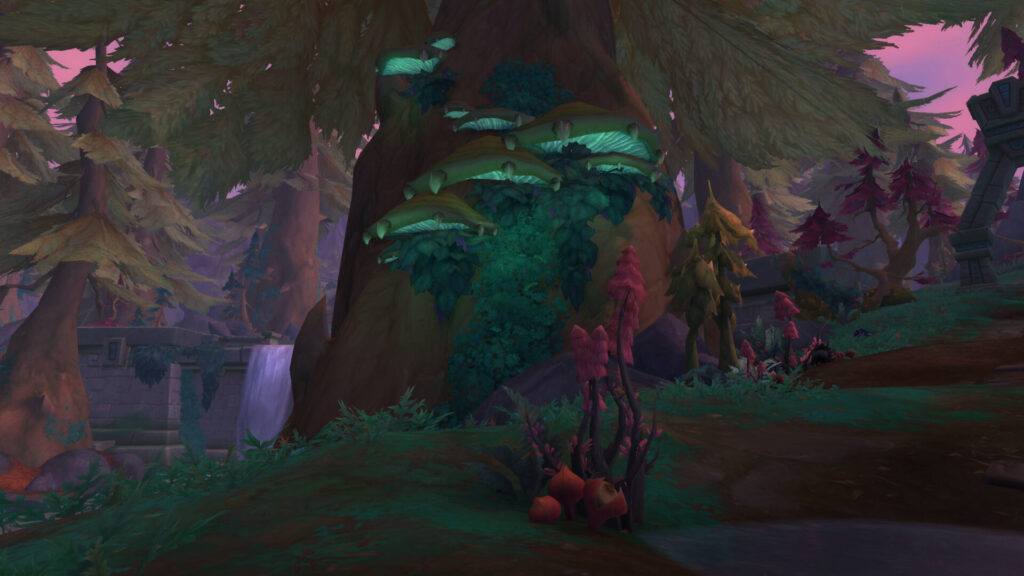
You can also use weather effects to your advantage. A rainy day in a forest creates a moody, atmospheric shot, while a clear day on a mountain top feels grand and inspiring. Do not be afraid to wait a few minutes for the lighting to change. A true cinematic master knows that the right light is worth the wait. Every zone has a unique personality that comes alive when the light hits it just right.
Directing Your Character with Emotes
A static character can look stiff in a screenshot. To add life to your images, use emotes to create a sense of action or emotion. Typing /point or /look can make your character interact with the environment, while /think or /read can tell a story of a quiet moment. If you are taking a video clip, try walking instead of running by holding down the toggle walk key for a more natural, cinematic pace.
These small touches turn a simple image into a piece of art. They give your character a personality that goes beyond their gear and level. When you combine clean visuals with character acting, you create a memory that feels like a scene from a movie. Share your stories with the world, and let everyone see the epic scale of your journey through these cinematic eyes.
Conclusion: Tell Your Story in High Definition
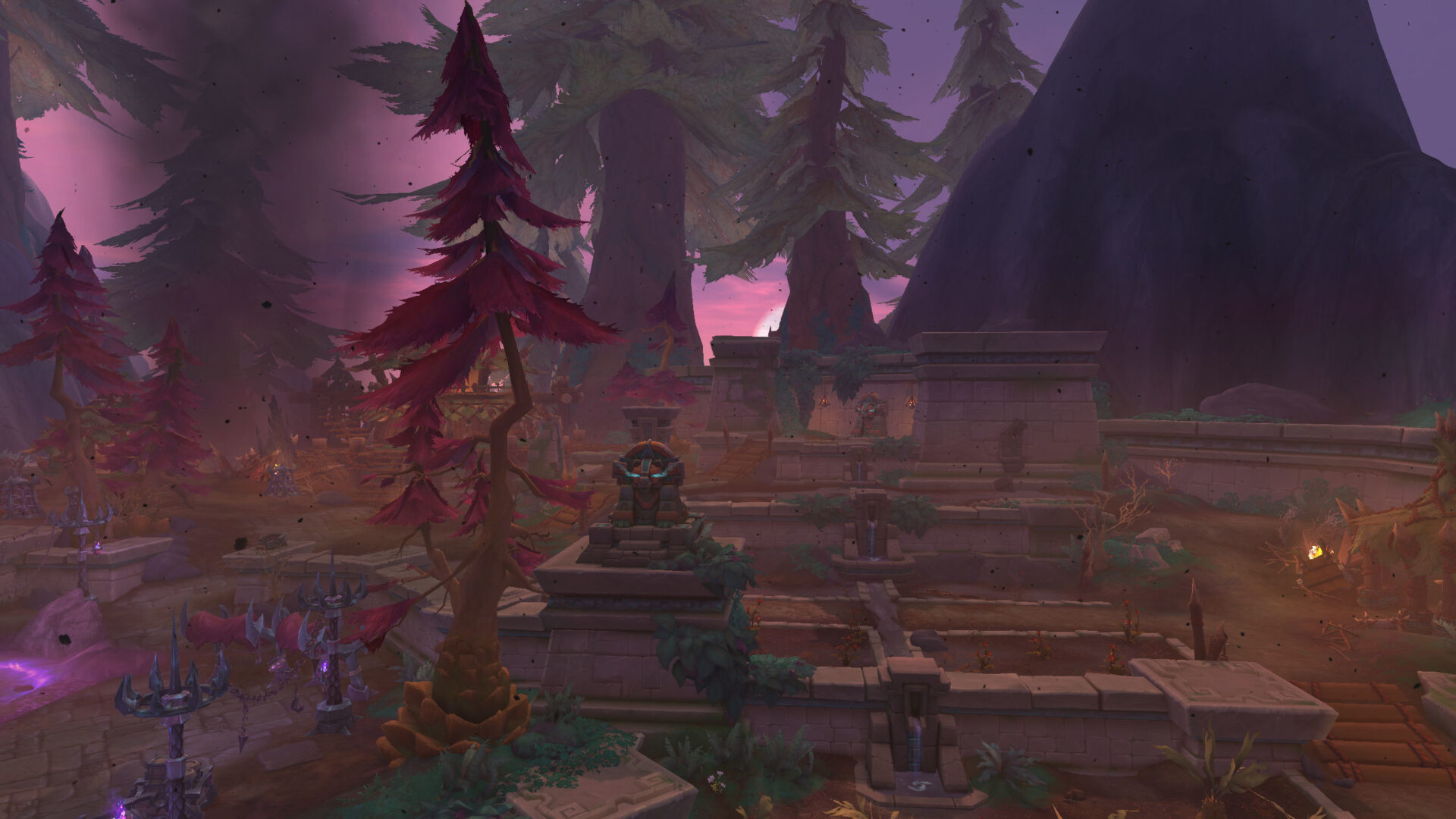
Making World of Warcraft look like a film is a rewarding hobby that deepens your connection to the game. By using the alt-z shortcut, the action camera, and thoughtful lighting, you can capture the true beauty of Azeroth. Every screenshot is a chance to tell a story and every video clip is a chance to be a director. Step away from the buttons and bars for a moment, and see the world for the masterpiece it is. Your adventures deserve to be remembered in high definition.



Leave a Reply